Dental practice IT support
Treo supports the infrastructure behind dental practices: Maxident, Carestream imaging workflows, Safecom secure printing, backups, network reliability, and PIPEDA/PIPA controls.
Dental practices depend on more than one clinical application. Practice management handles scheduling, patient records, billing, treatment plans, and recall workflow. Imaging systems capture and store diagnostic data. Secure printing, intraoral scanners, lab connections, Microsoft 365, backups, and network infrastructure all sit around that daily workflow.
Friction appears when those pieces are bought, upgraded, or supported in isolation. The practice needs someone who understands the operating environment, protects patient information, and coordinates the support path when an issue crosses vendor boundaries.
The scope depends on the practice, but the work usually falls into the systems that keep clinical care, privacy, billing, and daily operations connected.
| Workstream | What it covers | Why it matters |
|---|---|---|
| Practice management environment | Maxident support, workstations, access, updates, backups, scheduling flow, billing reliability, and patient record availability. | Practice management sits at the center of the clinic. If the surrounding environment is fragile, reception, treatment planning, billing, and recall workflow all feel it. |
| Dental imaging workflow | Carestream support, intraoral sensors, scanner connectivity, image storage, retrieval, archival reliability, and handoffs with practice management. | Diagnostic images need to move cleanly from capture to review without staff building manual workarounds or losing clinical context. |
| Patient data protection | PIPEDA and PIPA alignment, access controls, encryption, breach response planning, recovery coverage, and compliance documentation. | Dental practices handle protected patient information. Privacy controls need to be operational, documented, and recoverable under pressure. |
| Secure printing and output | Safecom secure printing, printer access controls, queue reliability, output routing, and support for patient-facing paperwork. | Printed output can expose patient information if release controls, device reliability, and practice workflows are not managed together. |
| Clinic network and devices | Wired and wireless networks, firewalls, segmentation, monitoring, operatories, front desk workstations, imaging peripherals, and connected devices. | Treatment rooms, reception, imaging, administration, and cloud tools all depend on infrastructure that cannot be treated as generic office IT. |
| Vendor coordination and continuity | Coordination across practice management, imaging, scanner, lab, ISP, phones, printers, and cloud vendors, plus backup testing and continuity planning. | The practice should not be left translating between vendors when downtime, data flow, or recovery risk crosses system boundaries. |
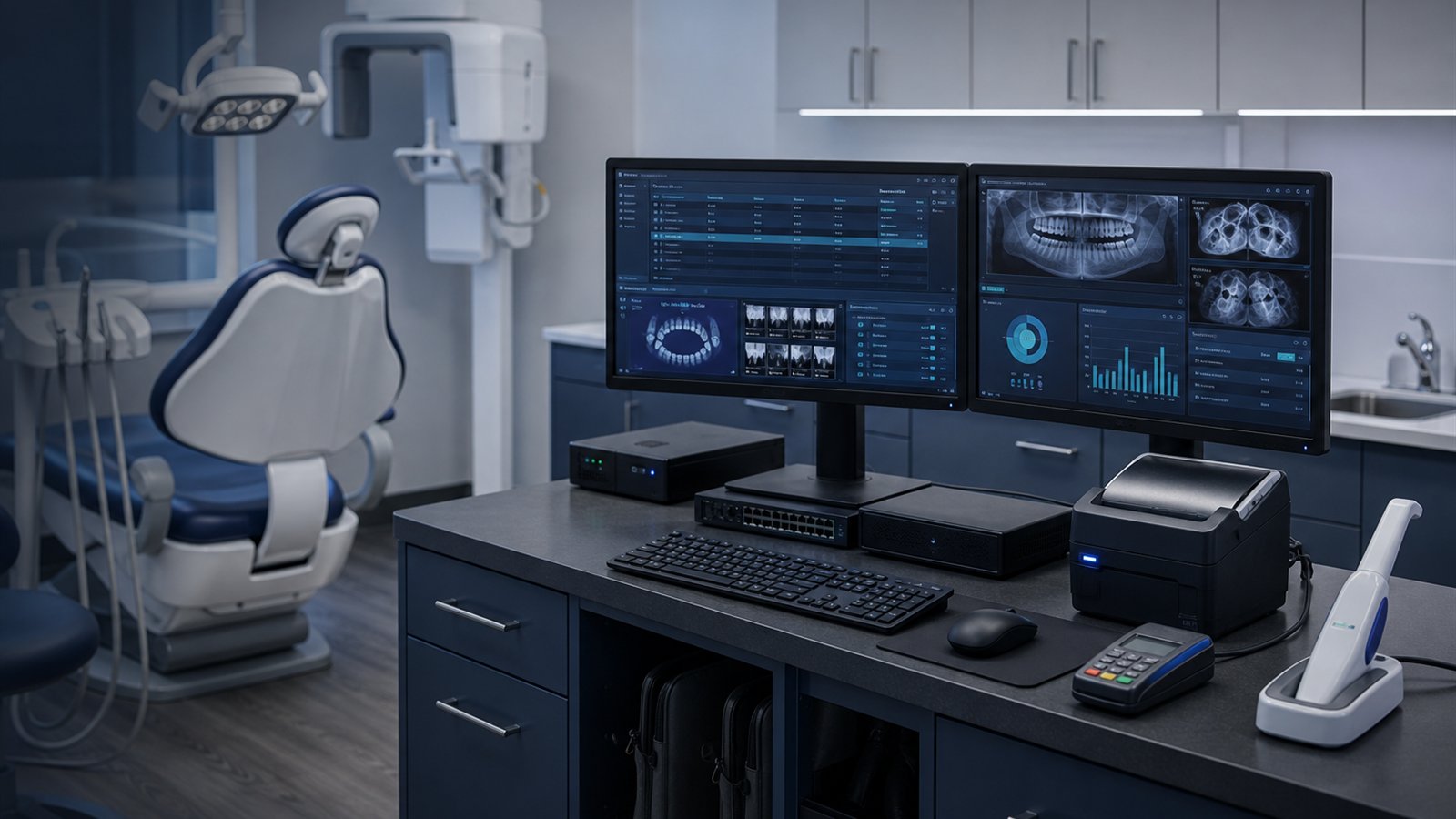
Dental IT support is valuable when it follows the real order of operations: protect patient data, stabilize core systems, connect imaging and practice management, coordinate vendors, and keep the schedule moving during support work.
Maxident, Carestream, operatories, front desk workstations, Safecom printing, backup coverage, patient data handling, and vendor ownership are reviewed before recommendations are made.
Access controls, encryption, secure printing, backup coverage, recovery testing, and breach response planning are treated as operational requirements, not cleanup after a project.
Data should move between Maxident, Carestream imaging, scanners, lab systems, and cloud tools without unreliable manual workarounds.
When a problem crosses practice management, imaging, printer, phone, ISP, lab, or cloud boundaries, Treo coordinates the technical path instead of leaving the practice in the middle.
Appointment schedules are tight, patient care comes first, and support work needs to account for reception, operatories, imaging, billing, administration, and after-hours continuity.
The office still matters, but dental practices add clinical devices, imaging data, regulated records, and chairside workflow dependencies that change the support model.
| Area | Office IT assumption | Practice reality |
|---|---|---|
| Workflow | A workstation issue slows one employee. | A workstation or network issue can slow check-in, chart access, imaging review, treatment planning, billing, and patient flow. |
| Imaging | Images are just files on a workstation or server. | Dental imaging depends on sensors, acquisition software, storage, retrieval, integrations, and reliable review at the right chair or desk. |
| Data | Files and email are the main information risk. | Protected patient information lives across practice management, imaging, print queues, backups, exports, devices, and vendor systems. |
| Vendors | Each software vendor can support its own product independently. | Practice problems often sit between Maxident, Carestream, scanners, lab systems, network, printing, and internet providers. |
| Recovery | Backups matter mainly for files and servers. | Recoverability needs to cover records, imaging, configuration, access, and the order required to resume practice operations. |
These are the questions we hear most often from dental practices evaluating whether they need a different kind of IT support.
Treo supports Maxident in dental practice environments, including day-to-day support, integration with imaging systems, and the infrastructure that keeps the platform running reliably.
Treo helps dental practices meet PIPEDA and PIPA obligations through access controls, encryption, backup coverage, secure printing via Safecom, and breach response planning. Compliance is treated as an ongoing operational requirement, not a one-time project.
Treo can help evaluate dental imaging or practice management system changes before a purchase. The goal is to confirm compatibility, integration requirements, and infrastructure readiness before a new system creates disruption.
Dental practice IT work usually sits alongside a broader managed IT relationship, where Treo handles both the clinical systems and the surrounding environment, including Microsoft 365, security, user support, and general infrastructure.
A short conversation can clarify where Maxident, imaging, secure printing, compliance, or vendor coordination may be creating friction, and whether Treo is the right fit for your practice.